Keep your production close.
Keep writing, reviewing props and planning shoot days when the location has no signal. Your production library stays on this computer.
AppleBoxe for Mac
Bring your screenplay, crew and plans into one place on your Mac. Write at home, prepare on location, and keep your production moving when the signal drops.
We’re still working on AppleBoxe for Mac — it isn’t available to download yet.
Apple silicon & Intel · macOS 12 or later when it’s ready.
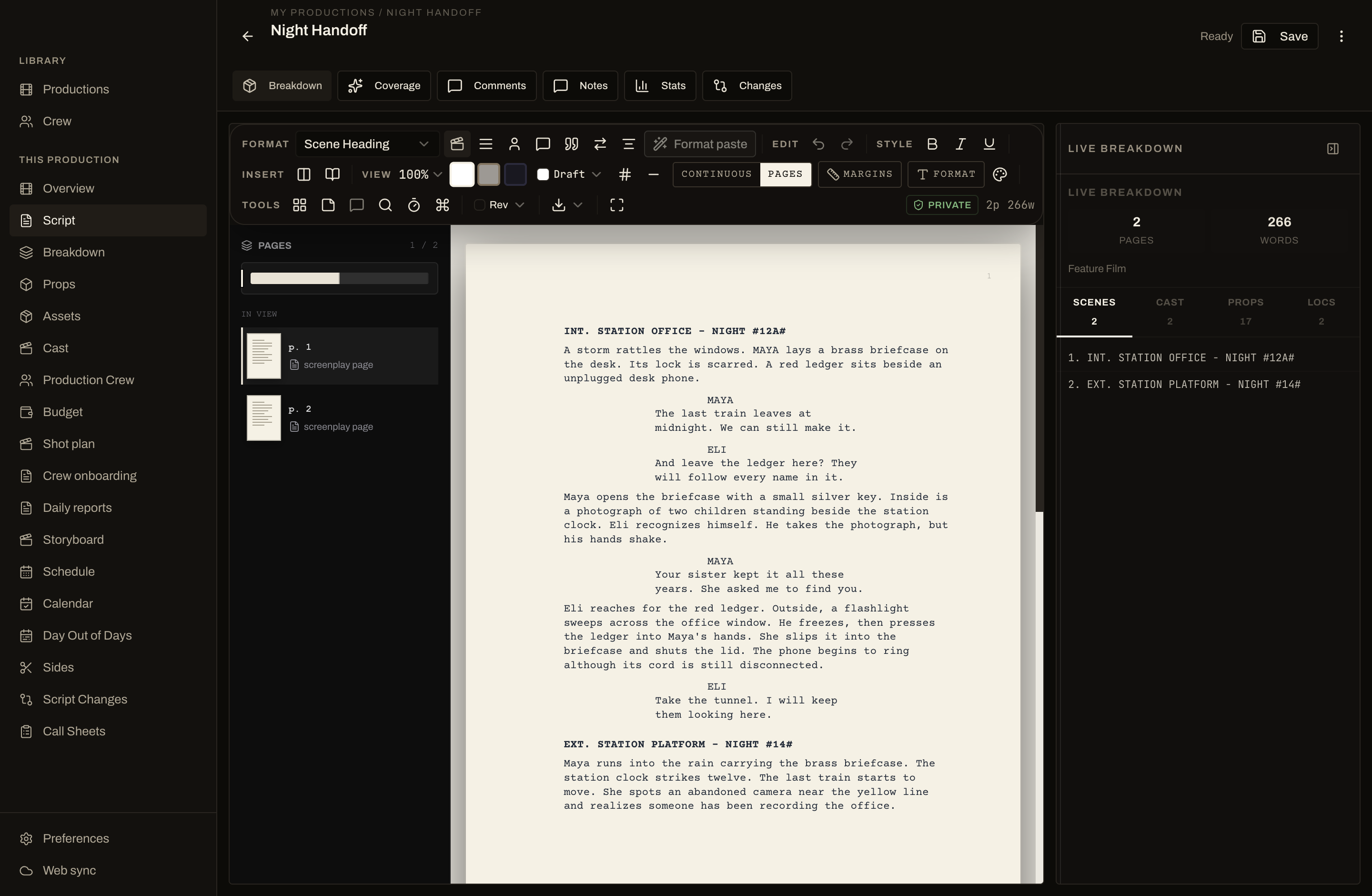
Keep writing, reviewing props and planning shoot days when the location has no signal. Your production library stays on this computer.
Connect your own Anthropic key for extraction and story analysis. AI requests use your API account and send the selected script when you run them.
Bring a screenplay into the editor, review its breakdown, build a schedule and prepare sides and call sheets for your crew.
Get a signed, Apple-notarized installer from your account. Each release lists its version and checksum.
Your library stays on your Mac. To move a production between desktop and web, open Web sync in the app, approve the computer in your browser, and pick the production.
Read the security and data guide Compare web and desktopTake a look around the Mac app, or start your production on the web today.